Parent Page
Lenovo Tab M7
Lenovo Tab M7 -> TB-7306F
Gen 3.
Internal Links
- pegasus
External Links
- Lenovo Tab M7 Gregs Qna 2
- Bestbuy 2022-10-26 (100$)
- Lenovo
- speed comparison
Specs
- Android 11.0 GO (32 bit OS)
- Bluetooth 5.0
- Dimensions: 0.33" x 4.05" x 6.94"
- Micro-USB 2.0 Port
- 32 GB Internal eMMC
- Micro SD Card Slot
- 2 GB DDR4 RAM
- SoC Model: MediaTek MT8166B
- 12 nm
- Core Architecture: 4x ARM Cortex-A53 @ 2001 MHz
- Instruction Set: 64-bit ARMv8-A (32-bit Mode)
- GPU Vendor: Imagination Technologies
- GPU Renderer: PowerVR Rogue GE8300
- Screen Resolution: 600 X 1024
- Aspect Ration 16:10
- TDDI IPS LCD
- Refresh Rate: 60 Hz
- Screen Width 6.04 inches horizontal mode
- Screen height 3.54 inches horizontal mode
- 7 Inch Diagonal
- xdpi / ydpi: 160 / 160 dpi
- 350 nits
Summary
PROS
- Screen height 3.54 in (not as good as Nexus 7, but still better than a cell phone)
- small bezels making device must shorter than nexus 7.
- I can use this with more controllers.
- Micro SD Card Slot
- 50% faster than my old nexus 7
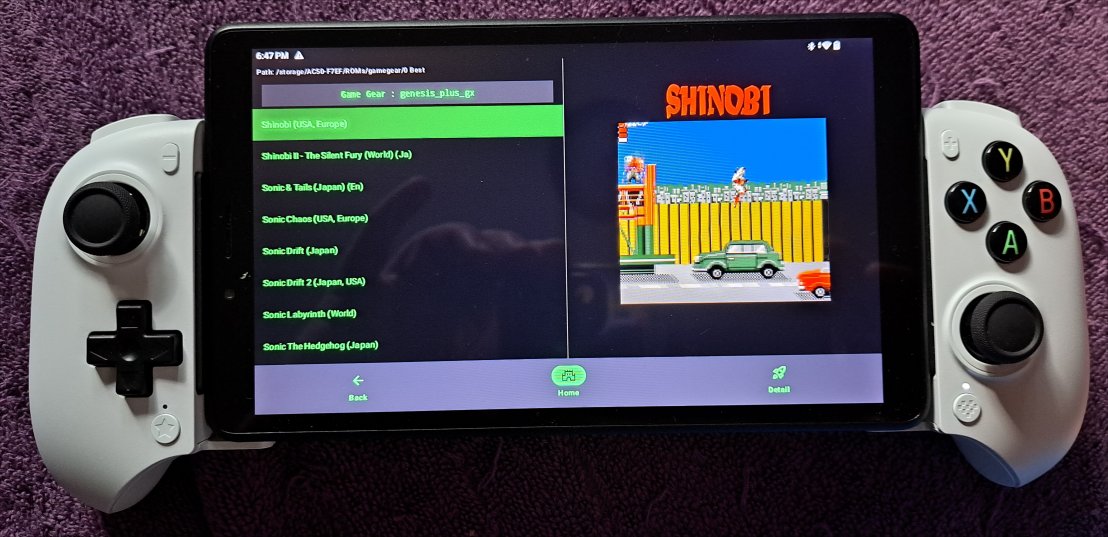
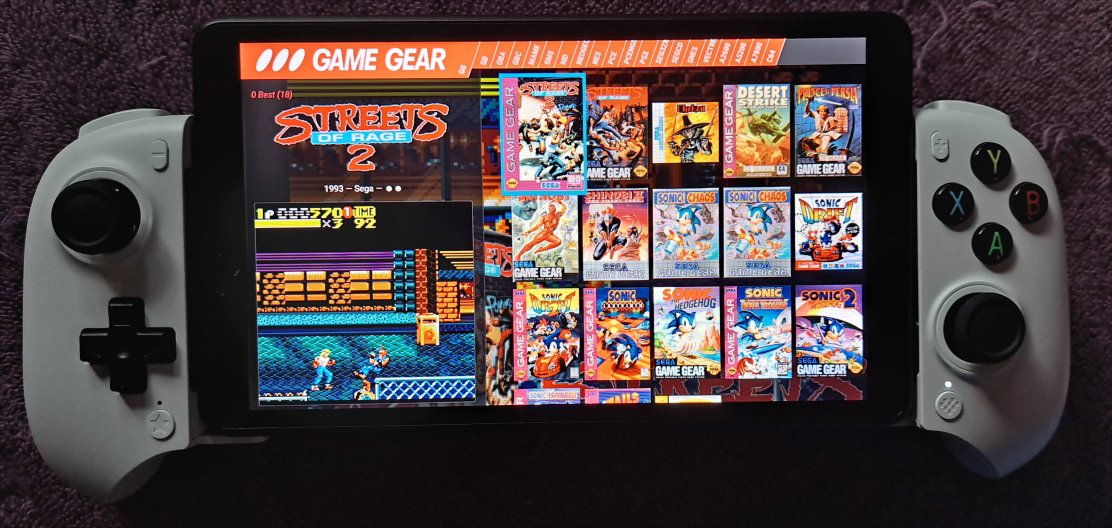
- Pegaus - FE Runs better on this than nexus 7 since I moved Box Images onto internal storage. On Nexus 7 game videos are choppy.
CONS
- IPS screen is ok but not as good as Nexus 7.
- Resolution is worse than nexus 7
- Visual angles are worse than nexus 7
- Brightness NITS are too low too use shaders, The Nexus 7 was fine.
- ES-DE cannot run on it as it's 32 bit
- Slower than my old Note 3 cell phone.
Controller Options
3
controllers can work with it.
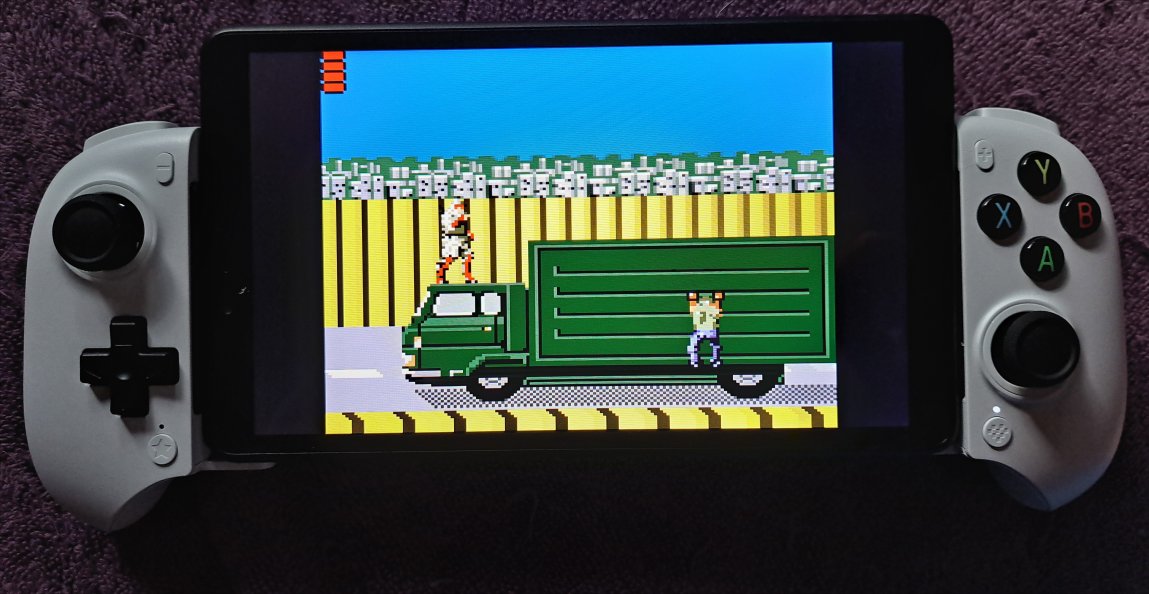
The nacon just fits, so I think I will use the nacon with this.
Gamesir g8plus or
Gamesir X5s. 6.94 inces width vs 7.87 inches in width of nexus. An inch less wide.
PORTS
I put SOR Remake and SOR2X on this. These are only launchable from Romulist.
Internal Storage
Cover is on Internal Storage to speed up pegaus UI.
- 32 GB Internal eMMC
- 23.7 GB Usable
- 10.5 GB Free
External Storage
Micro SD Card.
Since this hardware is pretty slow, no point in using a large 1 TB Micro SD Card on it.
Using Team Group 128 GB GO MicroSDXC UHS-I U3 V30 for now. A1 Rating 1,500 IOPS.
9.54 GB Free of 118 GB.
Front Ends
- Pegsus FE
- Becuase 32 Bit OS and android 11 best we can get for Front End is Pegasus FE
- Romulist works
- ES-DE Will never work as that is 64 bit only
ROMs
After OS we have less than 20 GB Usable internal. I put 12 GB of Box Art Images on it and Pegasus-FE runs way better than when I had all media on Micro-SD Card. This basically allow parallel threaded reads. The left pane reads from micro sd while right pane reads from internal storage for box - art.
|
set
|
size
|
contents
|
| atari2600 | 816.11 MB |
| atari5200 | 173.57 MB |
| atari7800 | 209.56 MB |
| c64 | 104.89 MB |
| coleco | 302.97 MB |
| fbneo | 8.39 GB |
| gamegear | 1.63 GB |
| gb | 1.1 GB |
| gbc | 2.17 GB |
| gba | 5.15 GB |
| mame | 20.28 GB |
| mastersystem | 914.29 MB |
| megadrive | 3.76 GB |
| neogeo | 3.33 GB |
| nes | 4.19 GB |
| pcengine | 1.54 GB |
| pcenginecd | 10.76 GB |
| psx | 7.46 GB | partial |
| sega32x | 1.37 GB |
| snes | 7.09 GB |
| segacd | 29.34 GB | Needs bios |
| vectrex | 17.01 MB |
Pegasus FE Controls
I prefer snes style. B for Back is south.
|
Action
|
Gamepad
|
Touch
|
Keyboard
|
|
Accept/Select
|
East Button
|
From Game Details touch Launch Button
|
Enter
|
|
Cancel/Back
|
South Button
|
NA
|
Escape
|
|
Game Details
|
North Button
|
Swipe right from left side of screen
|
I
|
|
Genre Filter
|
North Button
|
Touch Genre Filter Button from Details
|
F
|
|
Next Page
|
Right Shoulder Button
|
Swipe right on top header
|
E or D
|
|
Previous Page
|
Left Shoulder Button
|
Swipe left on top header
|
Q or A
|
|
Main Menu
|
Start Button
|
Swipe left on from right side of screen
|
F11
|
|
Scroll Page Down
|
Right Trigger
|
Swipe down
|
Pg Down
|
|
Scroll Page Up
|
Left Trigger
|
Swipe Up
|
Pg Up
|
GeekBench ID
18030712
Image