Parent Page
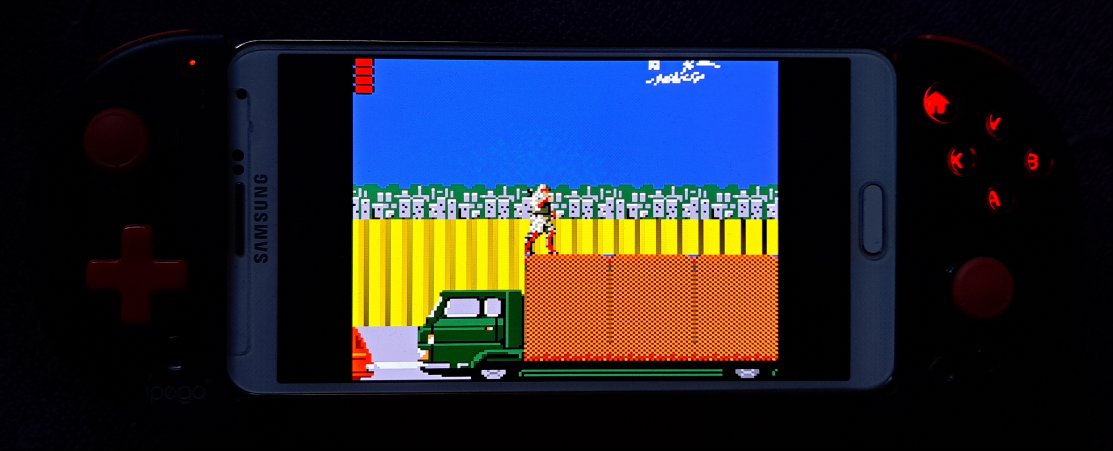
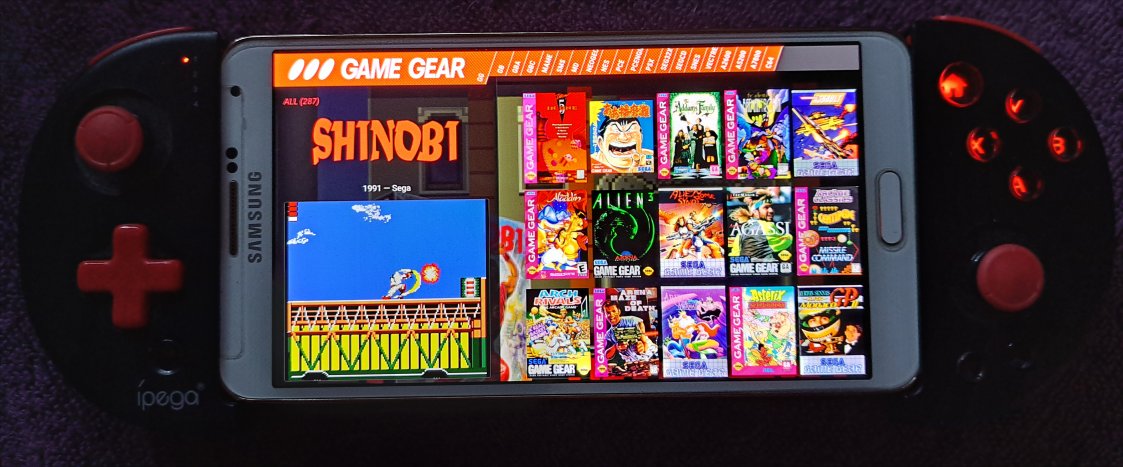
Samsung Note 3
The OLED screen on this is awesome.
Links
- Wikipedia
- firmware
- ipega Red Knight Mobile Controller
Warning
- Takes a while to boot. If you go straight in to Pegasus will say no games found as the SD Card loads way later.
- After couple minutes should be fine. Just restart pegasus. This thing is pretty slow.
- Android 5 tips. Long press Home Button to see all running apps. Then you can close unused stuff.
- Ipega red Knight would not auto connect. Long Press A + Home to reconnect. Had two get two lights not one. Kind of annoying that even though paired pressing Home alone does not seem enough.
- Verify Bluetooth is on. I just booted it and it was off?
.nomedia
I added the .nomedia fix which should help speedup android boot times. This shoud make android stop indexing all the game art on start up. Adding .nomedia to any subfolder tells android to leavy it alone for media gallery scanning.
Front Ends
- Pegsus FE Only
- Becuase 32 Bit OS and android 5 best we can get for Front End is Pegasus FE
- Romulist minimum is Android 6
Specs
- Model Number: SM-N900V
- Hardware Version:N900V.07
- Display: 5.7-inch Full HD Super AMOLED (1920x1080)
- In Landscape Mode Height is 2.79 Inches. Width is 4.97 Inches.
- Processor (CPU): Qualcomm Snapdragon 800 (MSM8974)
- CPU Speed: Quad-core 2.3 GHz Krait 400
- Graphics (GPU): Adreno 330
- 32 bit CPU
- 3 GB LPDDR3 RAM
- 32GB internal storage
- External Micro SD Card Slot
- Android 5 Lollipop
- GPU ARM Mali-T628 MP6 clocked at 600 MHz
Mobile Controller Support
- The 8bitdo refuses to work as that requires Android 9.0 or newer.
- Game Sir works Fine, but would rather keep that for larger devices.
- Nacon works fine. Feels Great but makes wider than necessary
- Ipega red Knight works fine. Compact. Think I will keep with this one.
External Storage
MicroSDCard Sandisk 128GB
I thinks it's really old. Need to get specs off it.
Might switch to a newer faster one.
Internal Storage
- 64 GB
- eMMC 4.5/5.0 tops out around 140 to 250 MB/s read speeds.
- I put cover images on this for pegasus FE performance
- 13 GB Free of 25 GB
External Storage
- 128 GB
- Old Sandisk card. Class 1 (Not 3).
- Since the hardware is old not sure a newer sd card would help anyway.
- 10.4 GB Free of 119GB
Build
Same as Tab M-7
|
set
|
size
|
contents
|
| atari2600 | 816.11 MB |
| atari5200 | 173.57 MB |
| atari7800 | 209.56 MB |
| c64 | 104.89 MB |
| coleco | 302.97 MB |
| fbneo - UPDATED! | 8.39 GB |
| gamegear | 1.63 GB |
| gb | 1.1 GB |
| gbc | 2.17 GB |
| gba | 5.15 GB |
| mame | 20.28 GB |
| mastersystem | 914.29 MB |
| megadrive | 3.76 GB |
| neogeo | 3.33 GB |
| nes | 4.19 GB |
| pcengine | 1.54 GB |
| pcenginecd | 10.76 GB |
| psx | 7.46 GB | partial |
| sega32x | 1.37 GB |
| snes | 7.09 GB |
| segacd | 29.34 GB | Needs bios |
| vectrex | 17.01 MB |
Pegasus FE Controls
I prefer snes style. B for Back is south.
|
Action
|
Gamepad
|
Touch
|
Keyboard
|
|
Accept/Select
|
East Button
|
From Game Details touch Launch Button
|
Enter
|
|
Cancel/Back
|
South Button
|
NA
|
Escape
|
|
Game Details
|
North Button
|
Swipe right from left side of screen
|
I
|
|
Genre Filter
|
North Button
|
Touch Genre Filter Button from Details
|
F
|
|
Next Page
|
Right Shoulder Button
|
Swipe right on top header
|
E or D
|
|
Previous Page
|
Left Shoulder Button
|
Swipe left on top header
|
Q or A
|
|
Main Menu
|
Start Button
|
Swipe left on from right side of screen
|
F11
|
|
Scroll Page Down
|
Right Trigger
|
Swipe down
|
Pg Down
|
|
Scroll Page Up
|
Left Trigger
|
Swipe Up
|
Pg Up
|
GeekBench ID
So Old I can't find one.
Image