Parent Page
DROID 4
Links
- wikipedia
specs
- Released in 2012
- TI OMAP 4430 dual-core processor based on the ARMv7 architecture, which is strictly 32-bit
- Android 4.1
- Display is 4 inch 540 x 960 TFT
- 1 GB RAM
External Storage
I threw a 16gb koaxia External SD Card in this device.
1.77 GB Free of 14.4 GB.
|
set
|
size
|
contents
|
| nes | 4.19 GB |
| snes | 7.09 GB |
Internal Storage
- The Motorola Droid 4 is supposed to have 16 GB of total internal storage (eMMC).
- However, the device partitions this memory, often causing it to show only about 8 GB available to the user for media/files, with the rest used for applications and the operating system.
- Total available Storage: under 8 GB.
- Might have something to do with safe strap rooting the device years ago
- 7 GB Free of 8 GB
safestrap
Safestrap is a specialized, TWRP-based custom recovery designed for bootloader-locked Android devices, primarily older Verizon and AT&T Samsung/Motorola phones. It allows users to root, flash ROMs, and create backups by bypassing locked bootloaders, often using a "safe system" partition to avoid bricking the main system
Upon booting by pressing menu I can see:
safestrap 3.6.5 (TWRP v.2.6.3.1)
ROM Slot Stock
From this did Factory Reset. Will see what happens.
I cannot remove this safe strap crap whatever it is.
Flakey Audio
At one point the audio stopped. Plugging in head phones sound was fine. Removed back cover and sound came back. When Moving keyboard slider and or back cover audio can cut in and out. Something must be loose.
Front Ends
Pegasus FE Requires Android 5.0 or greater. Basically there are no Front Ends that will run on this device. So Retroarch FE has to be used.
Retroarch 32 Bit does install
Using Playlists for NES.
Conclusion
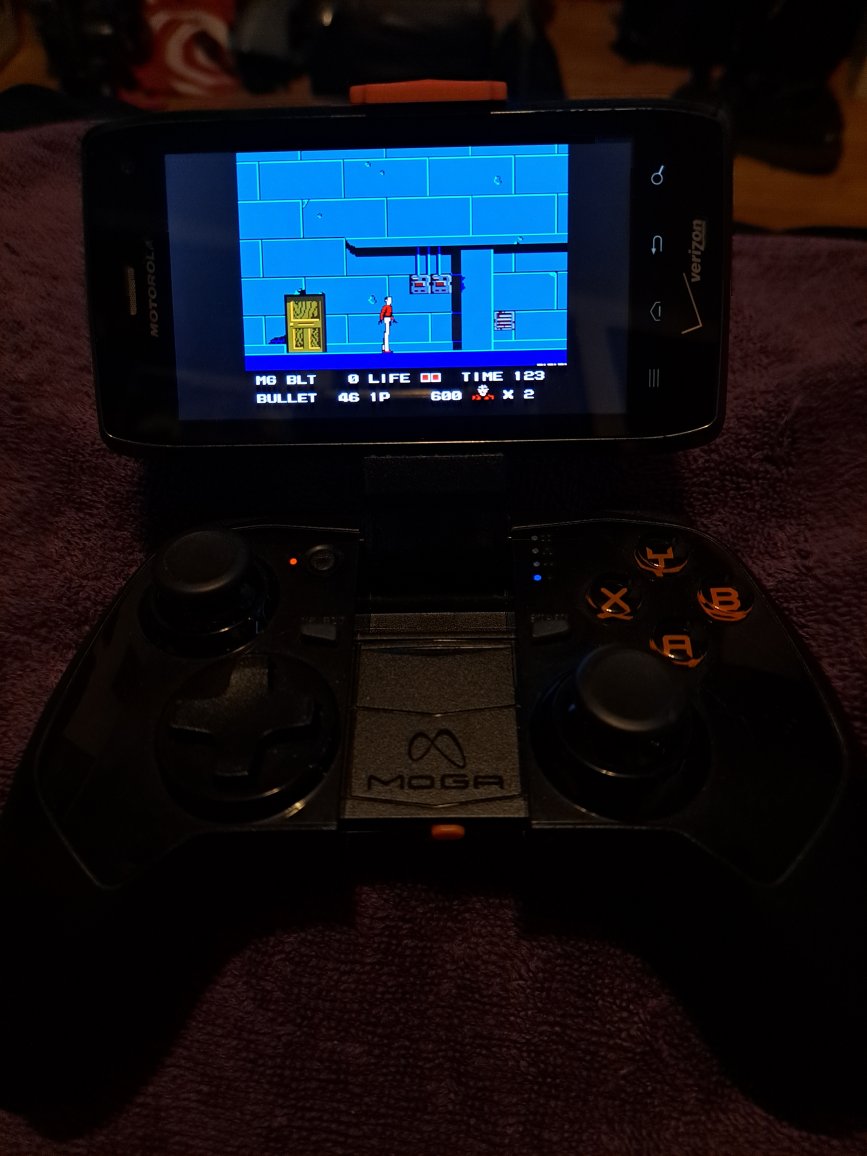
SNES is a littly choppy. NES plays fine. Screen is small bad angles. While it can play, others are better... The moga controller has stick drift so when paried with Moga D-Pad is better.
Retroarch Front end is not the best. I added Play Lists for NES. Still File Browser is probably best with Load Content. For SNES just use load Content. Play Lists are kind of annoying.
Image