Parent Page
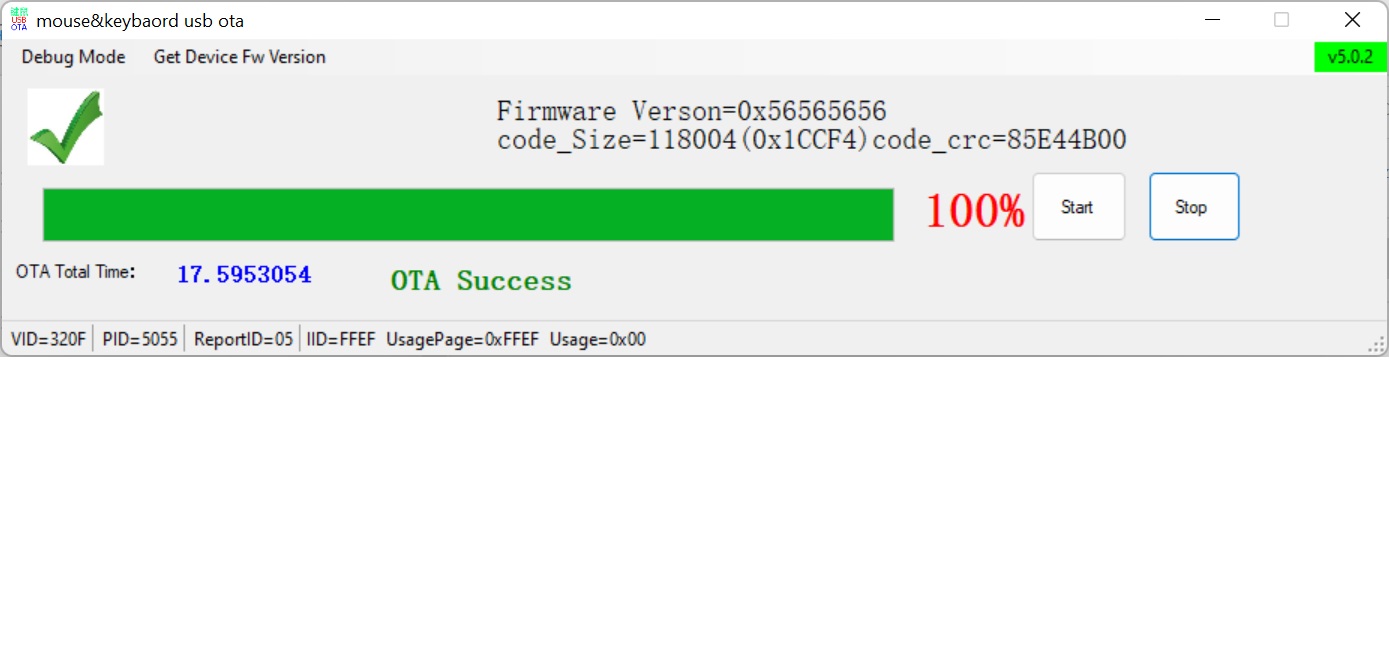
Note get device firmware version comes back with version of 0 but matching crc.
Wobkey Rainy 75 firmware
Firmware Status
I updated all 3 wobkey keyboards. Even the latest purple seemed to be missing some lighting patterns with build in firmwqare so I do not think anything comes with the latest.Update Instructions
- Turn off your Rainy 75 Keyboard (Switch under Caps Lock)
- Connect Keyboard to your PC over USB.
- Switch to Wired mode (FN+TAB).
- No light under F4.
- Rest of keyboard rotates rainbow.
- This means in wired mode.
- Go to wobkey support.
- Wobkey Support Download and run
- RGB Firmware 20240121 (Standard Pro Versions).exe
- Open exe file provided above.
Firmware Update
- Update Notes (v20240121)
- Added FN+L Long Battery Life Mode
- Deleted ESC Charging Indicator
- Added Charging Indicator to FN+Space, charging animations updated
Screen Shot
Note get device firmware version comes back with version of 0 but matching crc.