Parent Page
Volume UP (Opposite of what I expected)
Volume Down (Opposite of what I expected).
HDMI Port.
Reset System Button.
Power button all the way on right before right triggers.
Setup up ArkOS Quick Mode and auto save so single pressing power saves current game and shuts down OS to save batter. Turning on again launches straight into game.
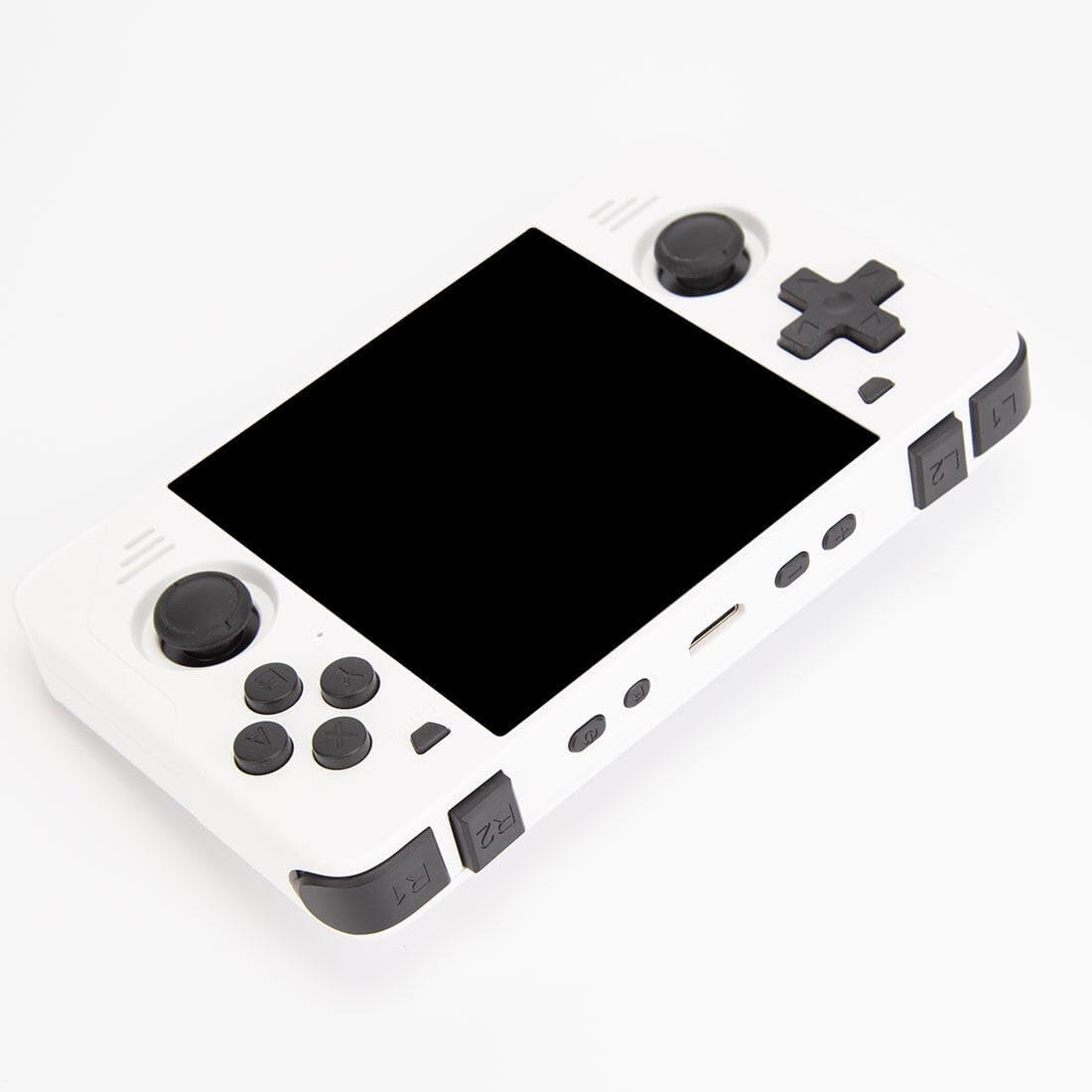
RGB30 Ports and physical buttons
Front
Select and start are the small buttons near the top of the device.Bottom
Starting from the left bottom- USB Type C Port for charging and power.
- TF1 microsd card slot for OS (32 GB).
- Headphone jack audio port in the middle.
- TF2 microsdcard slot for Games (128 GB).
- USB Type C OTG Port (For physical Keyboard, etc.).
Top
Aside from the obvious right and left trigger buttons. From Left to Right top.Images